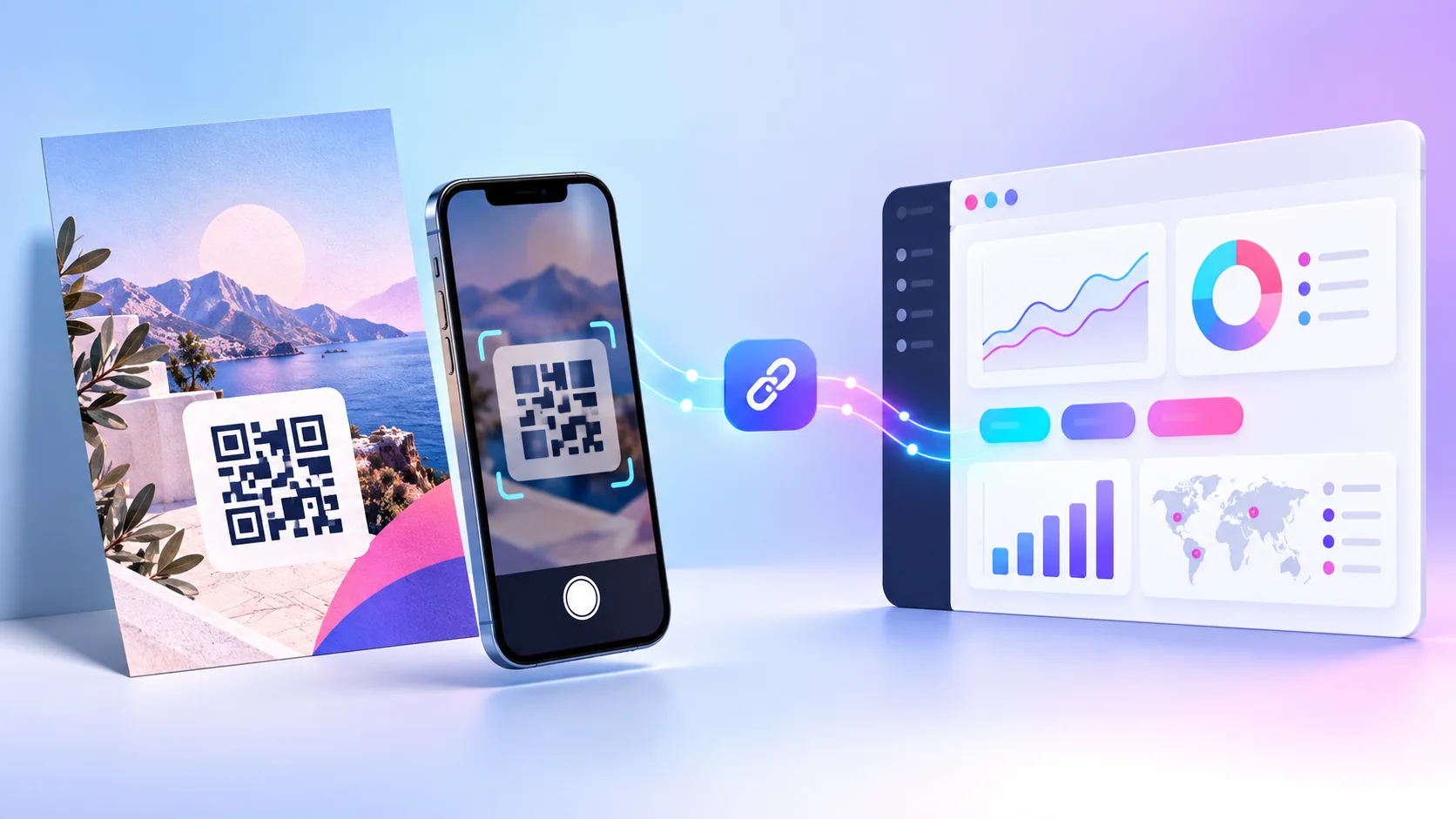
Quick takeaways
- Give every important physical placement a clear UTM identity before it goes to print.
- Use utm_source, utm_medium, and utm_campaign consistently; use utm_content to compare individual placements.
- A QR scan is a visit, not automatically a conversion—pair the code with a mobile-ready destination and a defined action.
- Test the final printed code on multiple phones before approving a full run.
Why QR codes need a measurement plan
A QR code is easy to print. Knowing whether it helped your business is harder. A poster may sit in three locations, a menu may stay on tables for months, and a product insert may travel far beyond the original campaign. If every code points to the same ordinary URL, people reach the right page, but your reporting loses the reason they arrived.
That is where QR code UTM parameters become useful. A UTM parameter is a label added to the end of a destination URL. It tells analytics software which campaign, channel, and placement sent a visitor. Google Analytics recommends using utm_source, utm_medium, and utm_campaign together so campaign data remains consistent. Its official URL builder guidance explains how those labels are used in acquisition reporting.
For offline marketing, the goal is not to make every QR code complicated. The goal is to give each important physical placement a clear, durable identity. A café can separate table tents from window stickers. A retailer can compare a receipt insert with a shelf sign. An event team can see whether the entrance banner or the session handout generated more visits. Once the labels are in place, a QR code becomes a measurement point rather than a black-and-white guess.
The useful question is not “did anyone scan?” It is “which message, location, or printed asset earned the next action?” Design your links to answer that before you print.
What a trackable QR code can and cannot tell you
A trackable QR workflow records a visit when someone scans a code and follows its destination. Depending on the analytics tools you use, you can review activity over time and high-level information about the visit. A landing page with its own analytics can then show what happened after the person arrived: a booking, purchase, download, or form submission.
There is an important boundary. A scan is not automatically a sale, a lead, or a unique person. It is evidence that a person opened the link. Treat it as the first step in a journey. If you need to measure a booking or purchase, make the destination page and its conversion event part of the plan too.
Link activity
Use your QR or short-link reporting to see when people reached the tracked route and which campaign link was used.
UTM campaign data
Use UTM labels in website analytics to group visits by source, medium, campaign, and a specific placement.
Conversion data
Use a thank-you page, completed booking, purchase, or form event to learn whether the visit created a result.
Build a UTM naming system before creating codes
The most common UTM mistake is inconsistency. If one person calls a source “instagram,” another writes “Instagram,” and a third uses “ig,” reports split one channel into separate rows. The same problem appears in print when codes are named after a campaign one week and a location the next.
Start with a small naming convention that a teammate can follow without asking. Use lowercase, separate words with hyphens or underscores, and keep every value meaningful six months later. Decide which field represents the physical channel and which field distinguishes the individual placement.
Table tent
utm_source=qr
utm_medium=offline
utm_campaign=summer-lunch
utm_content=table-tent-a
Event banner
utm_source=qr
utm_medium=offline
utm_campaign=city-design-fair
utm_content=entrance-banner
Package insert
utm_source=qr
utm_medium=offline
utm_campaign=welcome-offer
utm_content=august-insert
You do not need to use every optional UTM field. The three core fields establish the campaign. utm_content is especially helpful when two physical assets share a campaign but need to be compared. A restaurant might use one campaign name for a seasonal offer and content values for a window decal, receipt, menu cover, and table card.
Keep a campaign register in a shared document or spreadsheet. Include the final destination, UTM values, short link, printed location, go-live date, and the action you expect people to take. This prevents accidental duplication and makes the campaign review useful instead of a memory test.
How to create a QR code with UTM parameters
The workflow is simple. The quality comes from doing each step in order: define the action first, build the labelled URL second, create a short link third, and generate the QR code last. Do not start with a QR design and decide where it should lead afterwards.
- Choose one destination and one action. Send people to the page that completes the task: a booking page, menu, review form, product collection, event registration, or useful offer. A QR code that opens a generic homepage makes the visitor work harder and weakens measurement.
- Build the campaign URL. Add your agreed source, medium, and campaign values to the destination. Use Rabetly’s UTM builder to assemble the link without manually editing a query string. Add a content value when the physical placement needs its own label.
- Create a short, managed link. Shortening the campaign URL makes the QR payload cleaner and gives the printed asset a route you can organise in one place. Name the link after the campaign and placement, not just “new QR.”
- Generate the QR code from that short link. Use the short link as the QR destination. Keep the visual treatment simple enough to scan reliably. Rabetly’s QR code generator can create the code after the campaign link is ready.
- Test before printing. Scan from more than one phone, in normal lighting, from the expected distance, and after the code is placed in its final design. Confirm the link resolves, the UTM values are present, and the landing page is easy to use on mobile.
Four offline campaigns worth tracking separately
Flyers and posters
Flyers often appear in more than one place. Give each location or message variant its own content label: “gym-lobby,” “coffee-counter,” or “student-offer.” If one site produces a meaningful share of visits, you have a reason to renew that placement. If a design gets attention but little action, test a clearer call to action or a page that matches the promise on the flyer.
Menus, table tents, and counter cards
Hospitality businesses can use QR codes for menus, waitlists, loyalty signups, feedback, or seasonal offers. Do not use one code for every table and every counter asset if you need to compare them. Keep the campaign consistent and distinguish the placement in the content field. “Scan for the lunch offer” is stronger than a code with no explanation.
Events and trade shows
At an event, a code can appear on a booth wall, presentation slide, badge, handout, or follow-up card. These placements serve different moments. A booth code might lead to a demo booking; a slide code might lead to presentation resources. Separate links let you see which moment created interest and let visitors land on a page that fits what they just saw.
Packaging, receipts, and inserts
Post-purchase codes are useful for setup guides, reorders, warranty registration, review requests, and referral offers. Build a different campaign for each customer journey instead of measuring all package traffic together. A first-order insert should not share a campaign label with a reorder reminder, even if both lead to the same store.
How to read results without fooling yourself
Review QR performance against the decision you wanted to make. A large number of scans may be useful for an awareness campaign, while a smaller number of completed bookings may matter more for a service business. Decide the primary metric before launch, then keep supporting metrics in context.
- Scan or click volume: Did the asset create attention at all?
- Landing-page engagement: Did visitors reach a page that answered the promise quickly?
- Conversion rate: Did the intended action happen after the visit?
- Placement comparison: Which location, message, or format produced the best next step?
- Time pattern: Did activity rise when the campaign was live, or only after a related promotion?
Avoid comparing unlike situations. A QR on a busy storefront may naturally receive more opportunities than one inside a niche brochure. Compare placements with similar exposure when possible, or use the results to form a sensible next test rather than a sweeping conclusion. Preserve context too: if you change a poster headline or move a code to a new location, record the date.
Printing and testing rules that protect the campaign
A perfectly labelled link cannot help if the code is hard to scan. Keep contrast high, leave open space around the code, and avoid placing it on a busy photograph or a sharply curved surface. If you add a logo or heavy styling, test the final printed sample rather than trusting a screen preview.
Size and distance work together. A code on a table tent can be smaller than a code on a window or wall because the viewer stands closer. Give people a clear reason to scan, such as “Scan for the full menu,” “Scan to book a demo,” or “Scan for your installation guide.” The instruction should describe the immediate benefit, not the technology.
Before approving a print run, test the actual file on recent Android and iPhone cameras, at the expected viewing angle, under typical light, and on mobile data. Check the destination again after publication. This small quality check catches the problems that are expensive after hundreds of materials are already in circulation.
Make the next print run smarter
The best QR campaigns improve over time. Start with one page, one action, and a naming system that makes sense to your team. Launch a small set of distinguishable placements. Review what happened. Then change one meaningful variable: the call to action, offer, location, design, or destination page.
That rhythm turns offline marketing into a learning loop. Your printed materials still do the human work of being seen in the right place. The tracked link gives you enough evidence to decide where to invest next. Build the labelled campaign URL first, turn it into a short link, and generate the QR code only after the destination is tested.
Checklist
Define one visitor action
Choose the booking, menu, offer, download, signup, or resource page that matches the printed message.
Agree UTM names first
Use lowercase, consistent source, medium, campaign, and content values that your team can understand later.
Create one link per placement
Keep the campaign shared, but use a distinct content label for each poster, table tent, insert, or event asset.
Scan the final design
Test real printed output on multiple phones, in the expected light and from the expected distance.
Review against a decision
Compare scans, landing-page actions, and conversions to decide which message or placement deserves the next budget.
Frequently asked questions
Do I need a different QR code for every physical placement?
Use a different tracked link when you need to compare placements. Keep the same campaign name and give each asset a distinct utm_content value, such as window-poster or receipt-insert.
Do UTM parameters work with a QR code?
Yes. A QR code can encode a URL that contains UTM parameters, or it can encode a short link that redirects to that labelled URL. The visitor reaches the destination normally while analytics receives the campaign context.
Should I put the long UTM URL directly in the QR code?
A managed short link is usually easier to organise and produces a cleaner QR payload. Build the labelled destination first, then create the short link and generate the code from that route.
Can a QR scan tell me who made a purchase?
No. A scan records a visit. To connect that visit to a business outcome, configure a conversion such as a completed booking, form submission, or purchase on the destination website.
What is the simplest UTM convention for offline materials?
A practical starting point is utm_source=qr, utm_medium=offline, a campaign name that describes the promotion, and a content value that identifies the exact printed asset.
Sources
Build your next QR campaign with a clear trail
Create a consistent UTM link first, then turn it into a short, trackable QR route your team can use on print and in person.
Create a Rabetly link