Quick takeaways
- Pick a tool that combines branded short links, QR code generation, and analytics in one workflow.
- Create separate short links per channel/placement so reporting stays clear (flyer vs bio vs storefront).
- Generate QR codes from trackable short links so offline scans show up in the same analytics.
- Look for real-time analytics you can act on, not just “total clicks.”
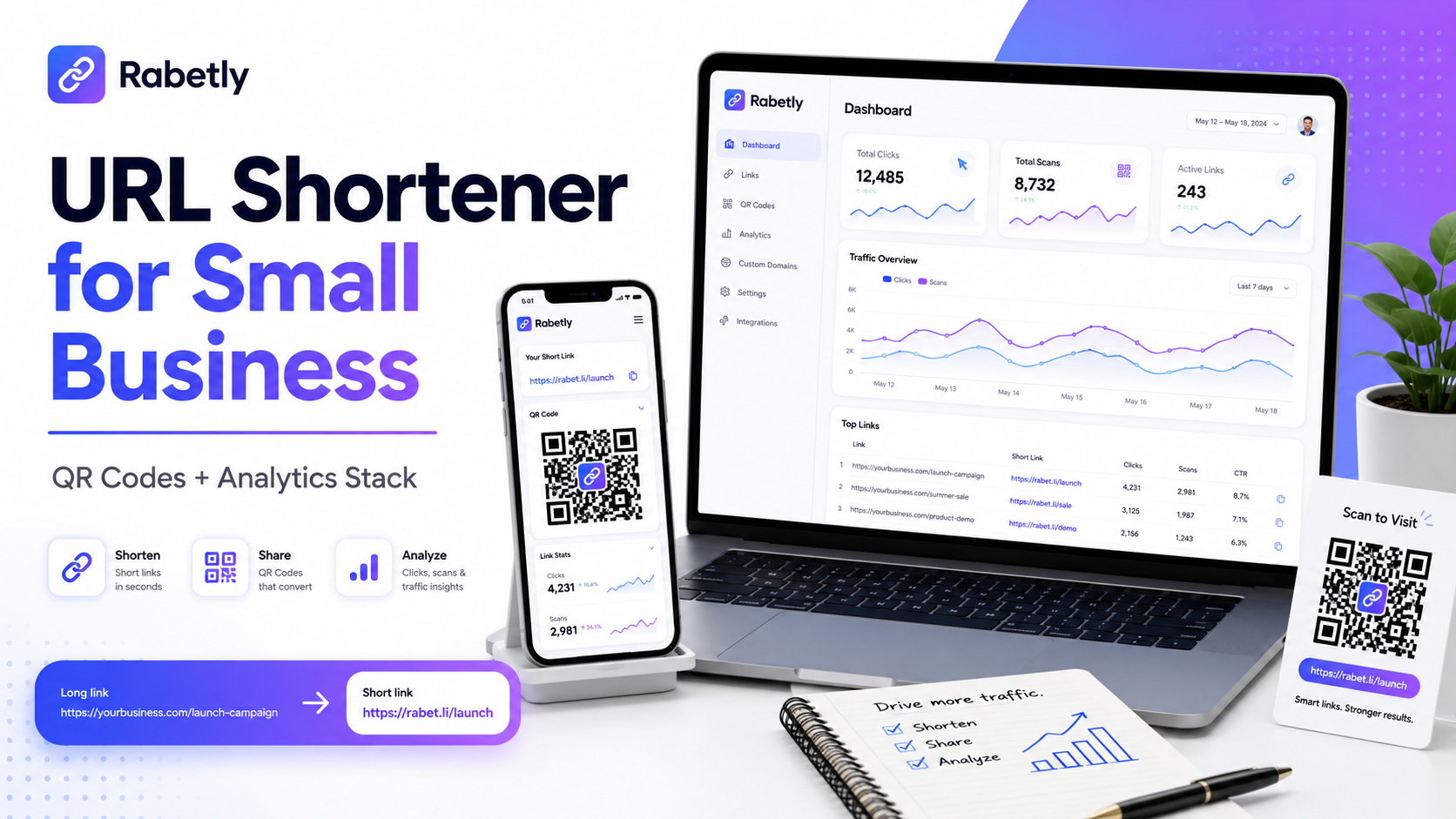
- Rabetly consolidates short links, QR codes, link-in-bio pages, PDF sharing, branded domains, and analytics in one platform.
For small businesses, a URL shortener is most valuable when it does three jobs at once: (1) makes links easy to share, (2) turns them into scannable QR codes for offline-to-online marketing, and (3) shows analytics so you can improve results without guessing.
This guide focuses on the practical “stack” you should build: branded short links + QR codes + analytics + lightweight campaign workflows. Then it shows how to run that stack in one place with Rabetly.
What to look for in a URL shortener with QR codes and analytics
1) Branded short links (not generic)
Branded links build trust and increase recognition across ads, social posts, SMS, and print. Look for custom slugs and support for your own branded domain.
2) QR codes that pair directly with links
The simplest workflow is: create a short link once, then generate a QR code from that link—so you can track scans like clicks and keep reporting consistent.
3) Analytics you can act on
At minimum, you want click tracking in real time and clear performance reporting per link—so you can compare campaigns and channels (e.g., “Flyer QR” vs “Instagram bio”).
4) Campaign organization for a small team
Small businesses move fast. Choose a tool that makes it easy to keep links organized by campaign, location, or channel—without complicated setup.
5) More than links (optional, but useful)
Many businesses also need a link-in-bio page, a way to share PDFs, and a single platform to track what’s working across all of it. If you’re already juggling multiple tools, consolidating can save time and reduce mistakes.
If you’re comparing well-known options, Zapier’s roundup notes Bitly as a “business-grade URL shortener” and highlights the typical feature set people expect from link management tools today.
Useful references while you compare: Zapier’s best URL shorteners list, G2’s small business URL shortener category, and tool pages like Short.io that emphasize custom domains, QR codes, and analytics.
Why Rabetly fits the “QR + analytics” needs of small businesses
Rabetly is built to help you run trackable campaigns across online and offline touchpoints. In one platform, you can:
- Create branded short links for social, SMS, email, and print.
- Generate QR codes for those links so posters, packaging, menus, and storefront signs become measurable channels.
- Track link analytics in real time to understand which campaigns actually drive clicks and scans.
- Publish a link-in-bio profile when you want one destination for multiple offers.
- Share PDFs (and measure engagement via link tracking) for menus, catalogs, price lists, or one-pagers.
- Manage branded domains so your links match your business name instead of a generic short domain.
Practical benefit: When your short link and QR code are part of the same tracking workflow, you don’t have to stitch reports together from multiple tools. You can standardize naming (e.g., summer-menu, flyer-may, storefront-sign) and compare performance quickly.
Use cases: how small businesses use short links + QR codes + analytics
Flyers, posters, and in-store signage
Create a branded short link for a promotion, generate a QR code, print it, then watch clicks/scans in real time to see which locations or designs perform best.
Menus, catalogs, and PDFs
Share a PDF through a trackable link, place the QR code on receipts or tables, and measure engagement instead of guessing whether people viewed it.
Social bio and creator-style landing
Use a link-in-bio profile as your “one link,” then use analytics to understand which buttons get the most clicks and refine your offers.
Time-sensitive campaigns
Launch a campaign link for a weekend sale, push it via SMS and QR codes, and compare channel performance to decide where to spend effort next time.
How to get started (a simple campaign setup)
Choose your branded domain strategy.
If you have a branded domain you want for short links, set it up in your domain manager so your links look consistent across channels.
Create one short link per channel or placement.
Instead of reusing the same link everywhere, create separate short links like /flyer, /insta, and /storefront so analytics stays clean and comparable.
Generate a QR code from each offline link.
Use QR codes for printed materials and keep each QR mapped to a specific placement so you can measure results by location or asset.
Publish a link-in-bio (if you need multiple destinations).
When a single offer isn’t enough, create a profile page and drive traffic there from social—then optimize based on click analytics.
Review analytics and iterate weekly.
Look for clear winners and losers by link, then update messaging, placements, and calls-to-action based on what people actually click.
If you’re still evaluating providers, cross-check your shortlist against independent roundups and category pages like Zapier and G2—then prioritize the tool that makes your day-to-day workflow simplest.
Checklist
Branded domains supported
Use your own domain so links look trustworthy and consistent across channels.
Custom slugs and clean naming
Make links memorable and easy to manage (e.g., /menu, /summer-sale, /location-a).
QR codes generated from links
Create QR codes tied directly to the short link so scans are trackable.
Real-time link analytics
See performance as campaigns run so you can adjust quickly.
Per-channel/per-placement tracking
Create separate links for each channel to compare results accurately.
Optional: link-in-bio profile
Useful when you want a single destination with multiple buttons for offers.
Optional: PDF sharing
Helpful for menus, catalogs, or brochures—shared with trackable links.
Frequently asked questions
What is the most reliable URL shortener for a small business?
Reliability comes down to consistent redirects, branded domain support, and analytics you can trust. Start by comparing business-focused tools from independent roundups (like Zapier’s list) and then choose the one that best matches your workflow for branding, QR codes, and reporting.
How do I shorten a URL for a QR code?
Create a short link first, then generate a QR code from that short link. This keeps QR scans measurable because the QR points to a trackable redirect rather than a long, untracked URL.
Is TinyURL or Bitly better for business use?
It depends on what you need. Many businesses prioritize branded domains, QR code support, and analytics depth. Compare the features you’ll actually use—especially branding and reporting—rather than choosing based only on name recognition.
What should I track in QR code analytics?
Track performance by placement and campaign: create one QR/short link per location or asset (flyer, storefront sign, table tent), then compare clicks/scans in analytics to see what’s working and what to change.
Can I use one tool for short links, QR codes, a bio link, and PDFs?
Yes. Rabetly is designed as an all-in-one platform: it supports URL shortening, QR code generation, link-in-bio profile pages, PDF sharing, branded domain management, and real-time link analytics.
Launch your first trackable QR campaign in Rabetly
Create a branded short link, generate a QR code, and start measuring clicks and scans in real time—without juggling multiple tools.
Try Rabetly for link + QR analytics