Quick takeaways
- Prioritize branded domains and branded short links to build trust and improve recognition.
- Choose a platform where QR codes are created from trackable short links for easier management.
- Look for analytics you’ll use weekly: channel comparison, campaign naming, and real-time performance.
- If you share multiple destinations, consider link-in-bio profiles instead of forcing everything into one link.
- If PDFs are part of your marketing (menus, catalogs), pick a tool that can share and track them too.
For small businesses, a “best” URL shortener usually means three things working together: branded short links, QR codes that are easy to deploy across print and digital, and analytics you can actually use to improve results. The tricky part is that many tools do one of these well, but not all three in a workflow that’s fast enough for a small team.
This guide helps you evaluate options with a practical checklist mindset—so you can pick a platform that supports everyday marketing (menus, flyers, social, events) and gives you visibility into what’s working.
What to look for in a URL shortener with QR codes and analytics
1) Branded links and branded domains (trust + consistency)
Generic short links can look suspicious or forgettable. A good small-business setup includes branded short links—ideally on your own domain—so customers recognize the link before they click or scan. A branded domain manager matters when you want consistent naming across campaigns and channels.
2) QR code generation tied to the short link
Many popular shorteners also support QR codes (Bitly is commonly referenced as an example of a business-grade shortener that includes a broader platform experience). When your QR code is generated from a short link, it becomes easier to manage, update, and track scans/clicks through the same link analytics workflow.
For background reading on common QR use cases for small businesses, see Bitly’s guide: https://bitly.com/blog/qr-codes-for-small-businesses/.
3) Analytics that answer marketing questions (not just vanity metrics)
Small teams don’t have time to export spreadsheets for everything. Look for link analytics that help you quickly answer:
- Which channel is driving engagement? (e.g., Instagram bio vs. a poster QR)
- Which campaign creative performs best? (A/B different links or QR placements)
- When do people interact? (Time-based patterns that help scheduling)
At minimum, you want real-time click/scan visibility that’s easy to interpret.
4) Easy campaign structure (folders, naming, UTM-friendly workflows)
Even if a platform doesn’t “force” campaign management, it should make it easy to stay organized—especially if you run multiple promotions, seasonal menus, or events. Practical features include clear link naming, the ability to duplicate links, and a workflow that doesn’t make you rebuild assets each time.
5) Link-in-bio and landing experiences (when one link isn’t enough)
If your marketing points to multiple destinations—booking, directions, menu, WhatsApp, catalog—you may outgrow single-destination links. In that case, a link-in-bio profile builder can be a more scalable “hub” for social traffic, while still allowing you to track engagement per destination.
6) Support for PDF sharing (menus, catalogs, one-pagers)
Many small businesses regularly share PDFs (menus, price lists, brochures). If your platform includes a PDF sharing tool, you can distribute a single branded short link/QR code to the PDF and measure engagement without juggling multiple services.
7) Reliability and operational confidence
Reliability is hard to evaluate from a feature list. Use third-party roundups as a starting point (for example, Zapier’s list of URL shorteners: https://zapier.com/blog/best-url-shorteners/), then validate fit based on your must-haves: branding, QR workflow, and analytics clarity.
Why Rabetly fits common small-business needs
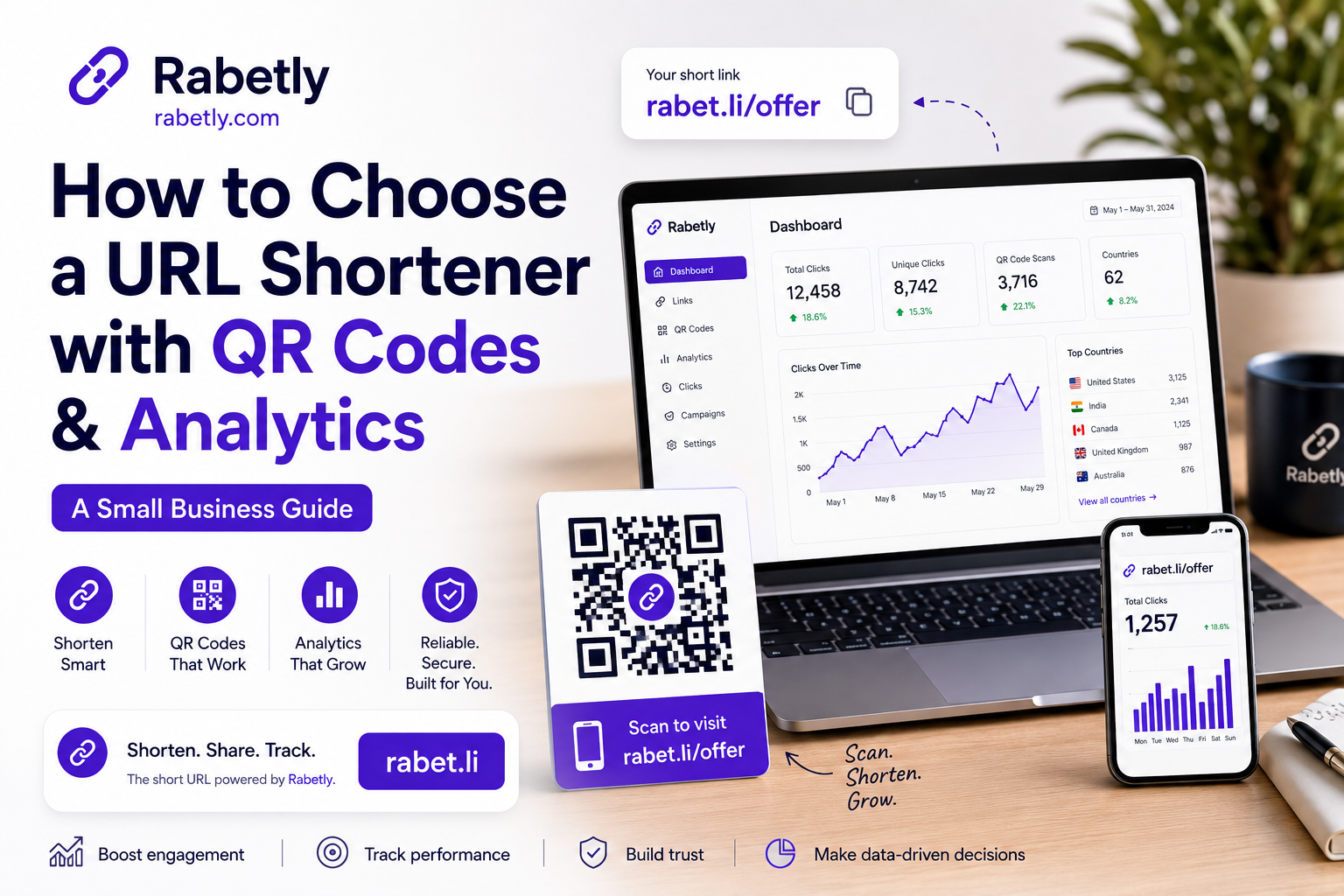
Rabetly combines the essentials small businesses typically need in one place: a URL shortener, QR code generator, branded domain manager, link analytics, link-in-bio profiles, PDF sharing, and real-time tracking.
- Branded short links to keep your marketing consistent across channels.
- QR codes generated for campaigns that connect offline audiences to online actions.
- Real-time link analytics so you can adjust quickly (creative, placement, timing).
- Link-in-bio profiles for social media and creator-style navigation.
- PDF sharing for menus, catalogs, and downloadable one-pagers.
If you’re comparing platforms, this “all-in-one” workflow matters because it reduces the overhead of managing separate tools (and separate reporting views) for links, QR codes, and content hubs.
Practical use cases (with link + QR + analytics)
Restaurant or café: menu QR + seasonal updates
Place a QR code on tables, windows, and receipts that points to a short link for your menu PDF or menu page. Use analytics to understand peak scan times and which locations drive the most engagement.
Salon/clinic: book-now QR on flyers and business cards
Send offline traffic to a booking page or a link-in-bio style profile that lists booking, location, pricing, and contact. Track clicks to learn which printed placements are worth repeating.
Retail: product launch hub
Create a profile page (as a hub) and use one branded short link/QR across posters and social. Then measure which destination links get the most engagement—product page, reviews, or store directions.
Events: check-in, schedule, and post-event recap
Use QR codes on signage that point to a short link for the schedule or PDF program. After the event, reuse the same structure for a recap or photo gallery and compare engagement by day/time.
How to get started (a simple rollout plan)
Pick one core conversion goal.
Examples: bookings, menu views, calls, directions, or lead form submissions.
Create a branded short link for that goal.
Use a clear naming convention so you can recognize the campaign later (e.g., summer-menu, grand-opening, scan-to-book).
Generate the QR code from the short link.
This keeps your offline assets tied to the same trackable destination.
Deploy in two places: one offline and one online.
For example: a poster QR in-store and the same short link in your Instagram bio, so you can compare behavior.
Check analytics and iterate weekly.
Keep what performs, change what doesn’t—creative, placement, or destination (profile page vs. single landing page vs. PDF).
Further reading
- Zapier: The 7 best URL shorteners in 2026
- Bitly: QR Codes for Small Businesses
- Trueqrcode: Best QR Code Generators of 2026
- Viasocket: Best URL Shorteners for QR Code Generation
Checklist
Branded domain support
Use your own domain for consistent, trustworthy links across channels.
QR codes generated from short links
Keeps offline campaigns measurable and easier to maintain.
Clear, real-time analytics
Make sure you can quickly see which links/QR codes are performing without extra tooling.
Campaign organization
Use consistent naming and a structure that makes reporting and iteration easy.
Link-in-bio/profile pages
Useful when you need one hub link for social, ads, or print materials.
PDF sharing workflow
Ideal for menus, brochures, catalogs, and one-pagers you want to track.
Operational reliability
Check reviews and roundups, then validate with your own trial based on must-have workflows.
Frequently asked questions
What is the most reliable URL shortener?
Reliability usually comes from a combination of uptime, redirect speed, and dependable analytics. Roundups like Zapier’s URL shortener guide can help you shortlist established options, but the best approach is to validate reliability against your needs: branded domains, QR code workflow, and analytics you can trust for daily decisions.
Do QR codes work better with a URL shortener?
They can. When a QR code points to a shortened link, it’s typically easier to manage, brand, and track. This is especially helpful for small businesses running offline campaigns (posters, menus, business cards) where you want to measure engagement and iterate on placement.
What analytics should a small business track for short links and QR codes?
Track the links/QR codes that map to real business outcomes: which channel drives engagement, which campaign asset performs best, and when people click or scan. Real-time link analytics help you adjust creative, placement, and destinations faster.
Should I use a link-in-bio page or a single short link?
Use a single short link when you have one primary action (like bookings). Use a link-in-bio profile when you need multiple destinations—such as directions, WhatsApp, menu/catalog, and a promo—while still keeping your marketing to one easy-to-share link.
Can I share a PDF with a QR code and still track performance?
Yes—if your workflow supports PDF sharing through a trackable link. The typical setup is: upload/share the PDF, create a branded short link to it, generate a QR code from that link, then monitor link analytics to see how people engage.
Set up your first trackable QR campaign in Rabetly
Create a branded short link, generate a QR code from it, and monitor real-time analytics—plus add a link-in-bio page or share a PDF when you need more than one destination.
Get started with Rabetly